GPRS
GPRS data bandwidth is very limited - please do not enable this if you are using this SIM in a modern smartphone as the background services will use up a lot of network capacity. Instead use our LTE network for mobile data on modern smartphones, you will still fall back to GSM for phone calls.
You will need to enable GPRS for your SIM in order to be able to use data on 2G.
GPRS is experimentally available on the EMF GSM network, and any APN should work (internet is fine).
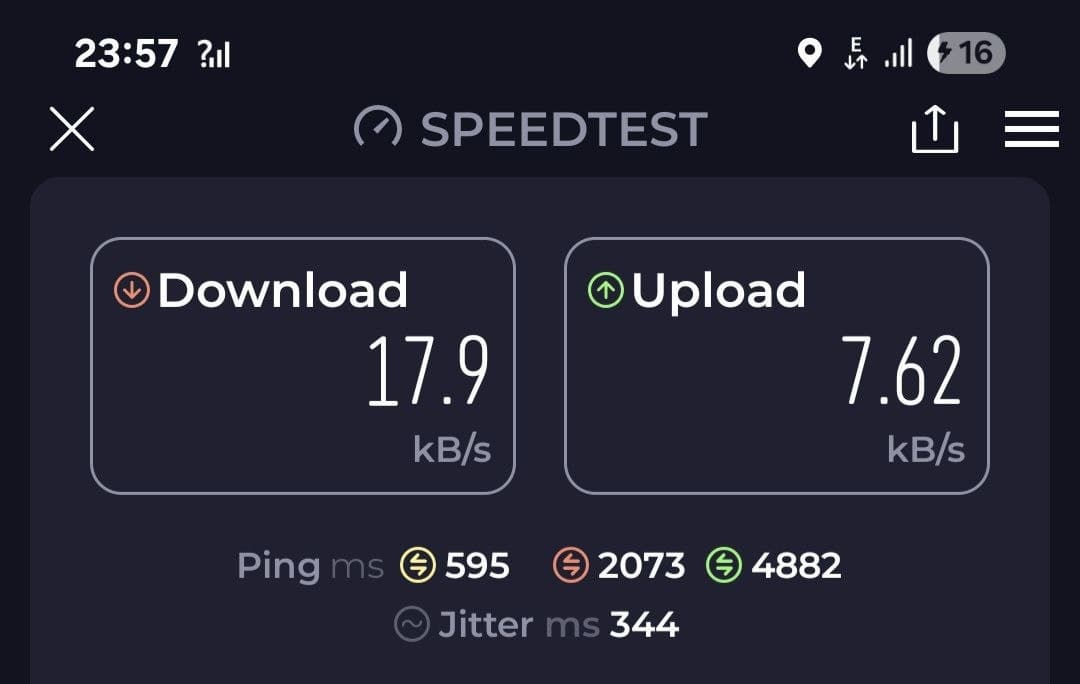
Screenshot of speedtest on EDGE
WAP Gateway
For devices that need a WAP Gateway (such as the Nokia 6310i and Nokia 6100), a third party installation of Kannel is available to use.
The following steps are written with a Nokia device in mind, but should be useful for anyone trying to connect with the WAP gateway.
- Press Menu, select Services, and Settings.
- Select Active service settings.
- Scroll to the set you would like to edit and activate, and press Activate.
- Select Edit active service settings, and enter the following information:
- Settings’ name: “EMF” or similar name.
- Homepage:
http://m.phones.emf.camp - Session Mode: Permanent
- Connection Security: Off
- Data Bearer: GPRS
- GPRS Connection: When needed (or Always, but this may drain battery!)
- GPRS access point: internet
- IP address:
92.118.29.108 - Authentication Type: Normal
- Login Type: Automatic
- User name / password: (leave blank)